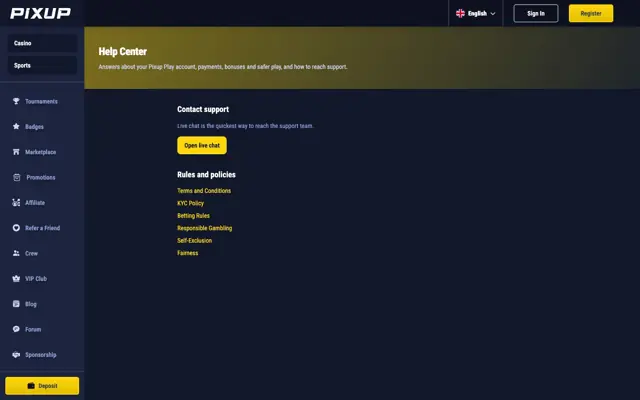
Brand themes, palettes and CMS colour overrides
Every site opens on its own brand theme, players can pick from 15 palettes, and operators can change individual colours from the CMS.
What it's for
Changing one brand colour no longer means rebuilding a whole theme: a CMS row with a few colours overrides just those. Players who prefer another look can switch in the menu.
What you get
- 15 neutral palettes plus your own brand theme
- Theme picker in the player menu
- CMS overrides individual colours instead of replacing the theme
- Icons, buttons and text follow the theme everywhere
- Optional second surface colour per brand
Where to find it
- Admin → Tools → Theme (or CMS theme rows) to override individual colours
- Ask us which palettes your players should be offered